
Playing Shows on your Luxedo Courts SystemUpdated 8 months ago
How to Play Shows on your Luxedo Courts System
Playing shows on your Luxedo Courts System is super simple! One read-through this guide and you'll know everything you need to know to be set up for the future.
1. Wake your Devices

By default, your projectors should time out 180 minutes after they were last used. When they time out, this will put them in the "Asleep" state. In this state, they cannot play any shows, so click the "Wake" button under the group settings in order to wake them all up.
It is recommended that you do this ~2 hours before your game to make sure everything is set up correctly.
2. Find the show you'd like to play
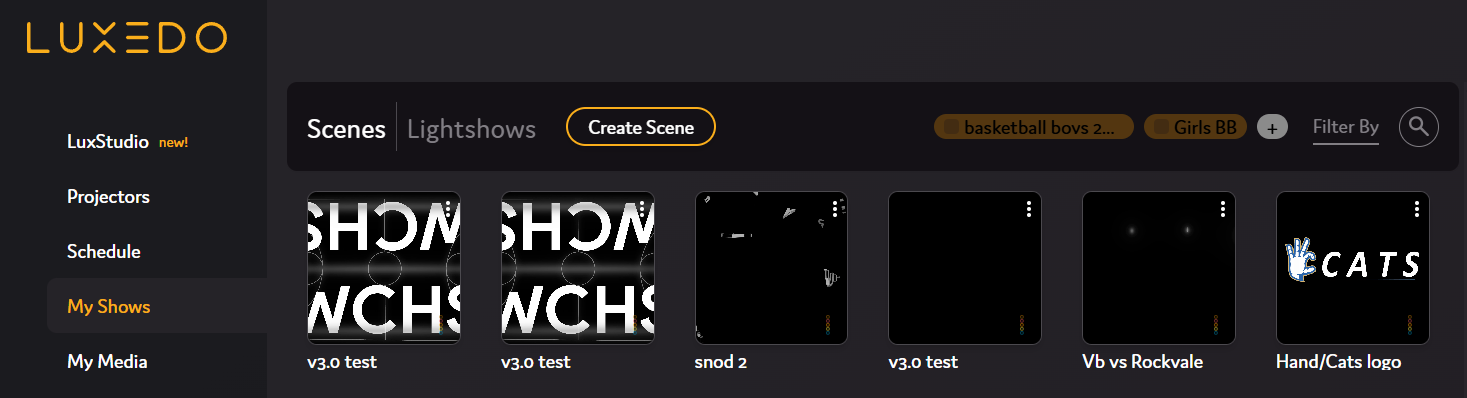
All of your shows will be listed under "My Shows". In this case, we will be playing v3.0 test, so go ahead and click on the tile for it.
3. Press "Ready to Play"
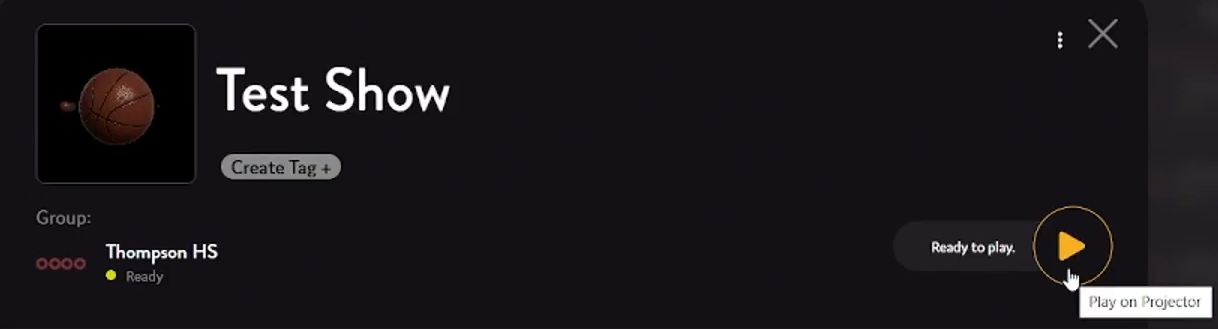
Your show will now begin playing on your system! Its really that simple!